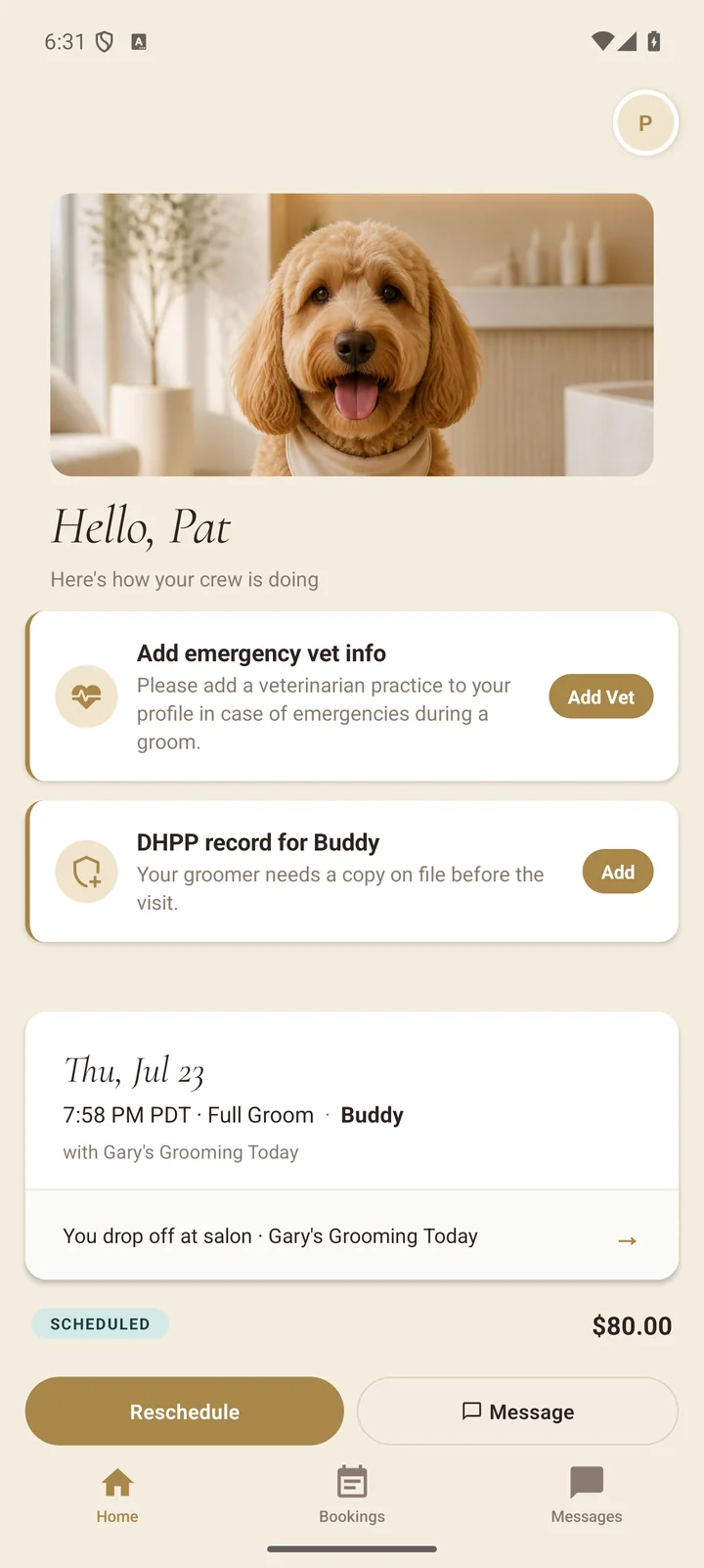
Your Home screen brings together your pets and visits. Choose the pets you want to book, review your groomer's services and availability, then send your request.
Follow the appointment
- Check whether your request is waiting, confirmed or needs a response.
- Open the appointment to review its time or arrival window, services, payment details and messages.
- Respond to time or price proposals in the app; a proposal is not a confirmed change.
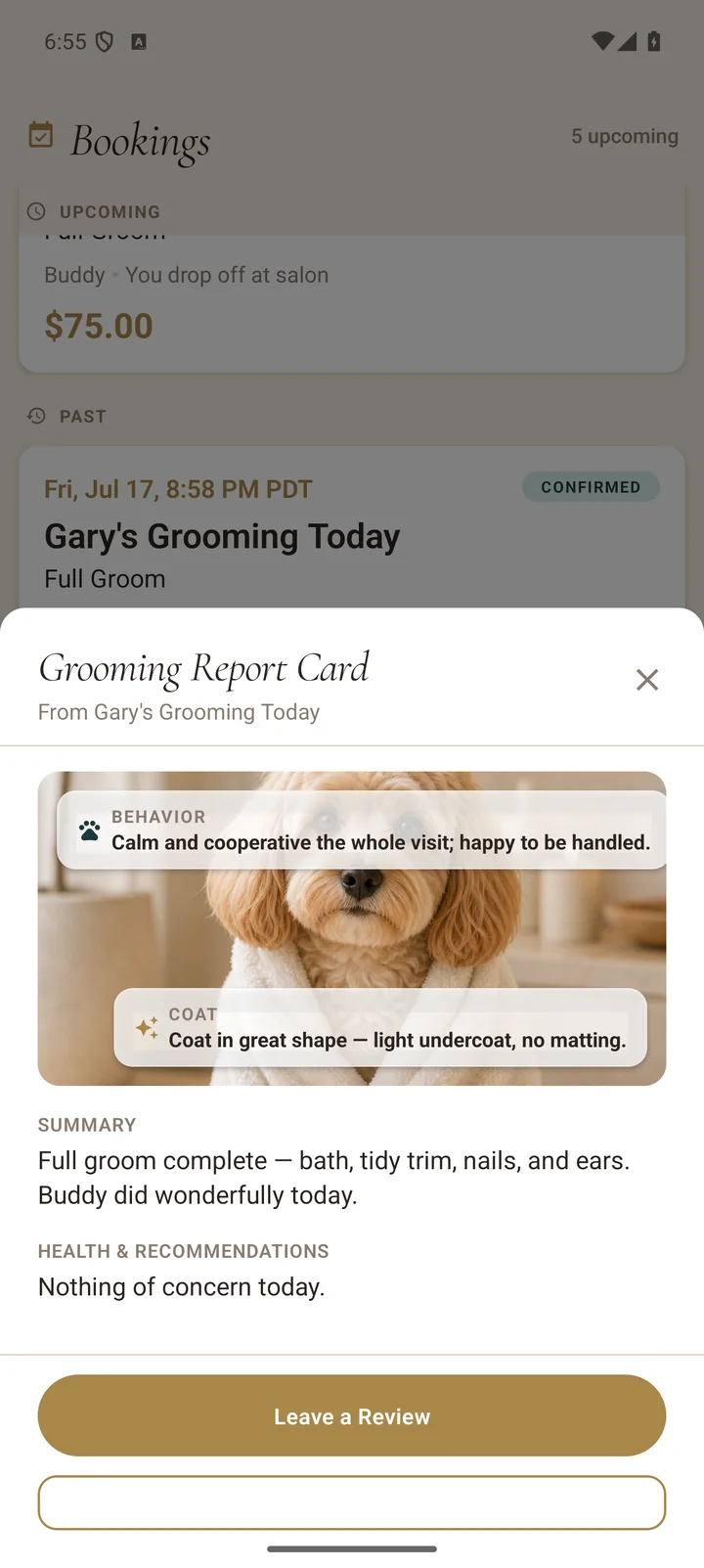
- After a report is available, read each pet's notes and photos, view payment details and use the available tip or share actions.
Your groomer sets their prices and policies. Review the total and policy before booking.