For groomers
Record notes and photos for each pet during care and review them when finishing the visit. Keep observations factual and check that each photo belongs to the right pet. An unresolved incident can hold publication; completing care alone does not guarantee the report has been sent.
For pet parents
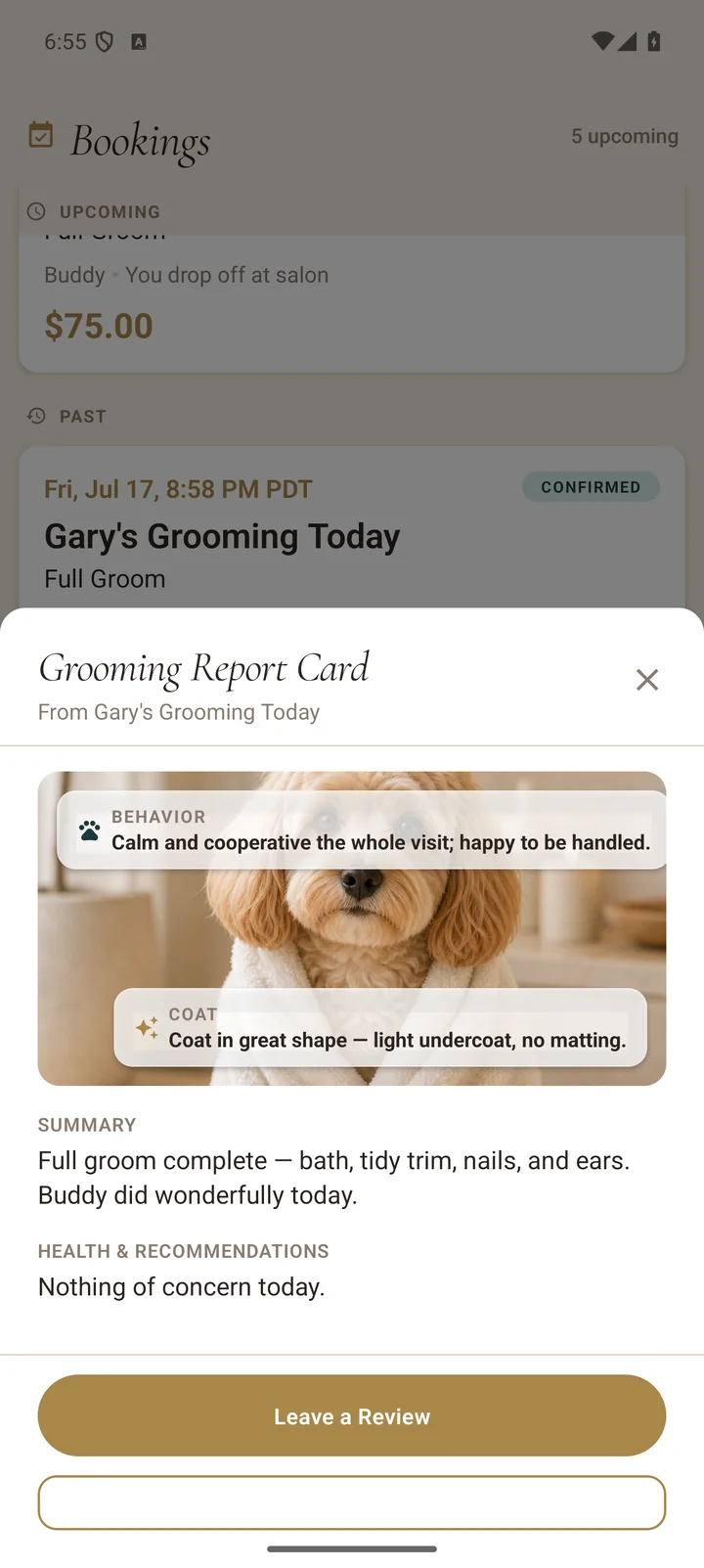
Open the available report from your pet or past visit. Multi-pet visits keep each pet's care separate. Use the report's share action to share through your device, and check the appointment's payment details for receipts. Tipping is optional and appears when the visit is eligible.
If photos are still uploading, keep the app's recovery instructions in view. A pending upload is not proof that the photo is available to the parent.