If you have an invite, use it to connect to your groomer. If you joined without one, follow the available setup options to connect or find a participating groomer.
- Add your pets and complete the details requested for booking.
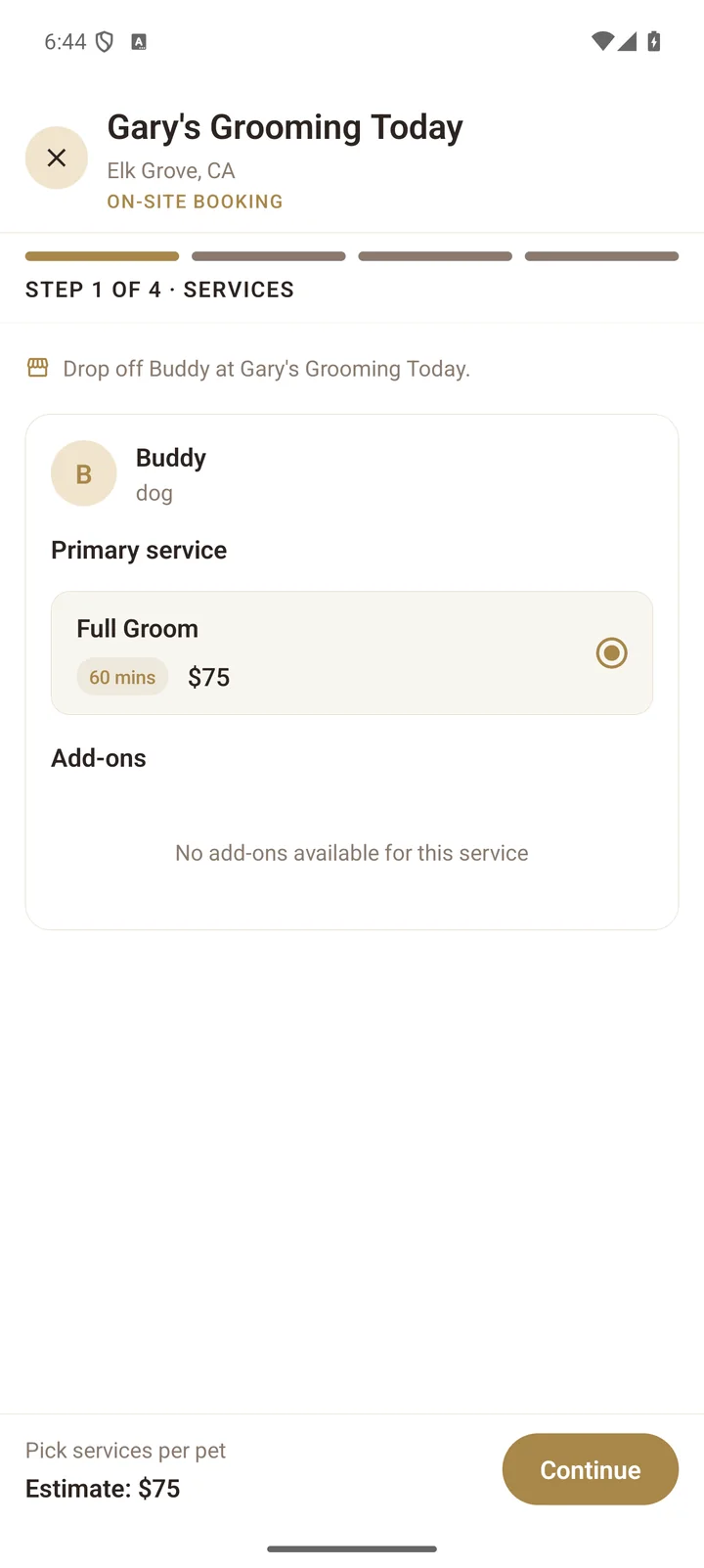
- Choose the pets and services for this visit. Review prices and any information your groomer needs.
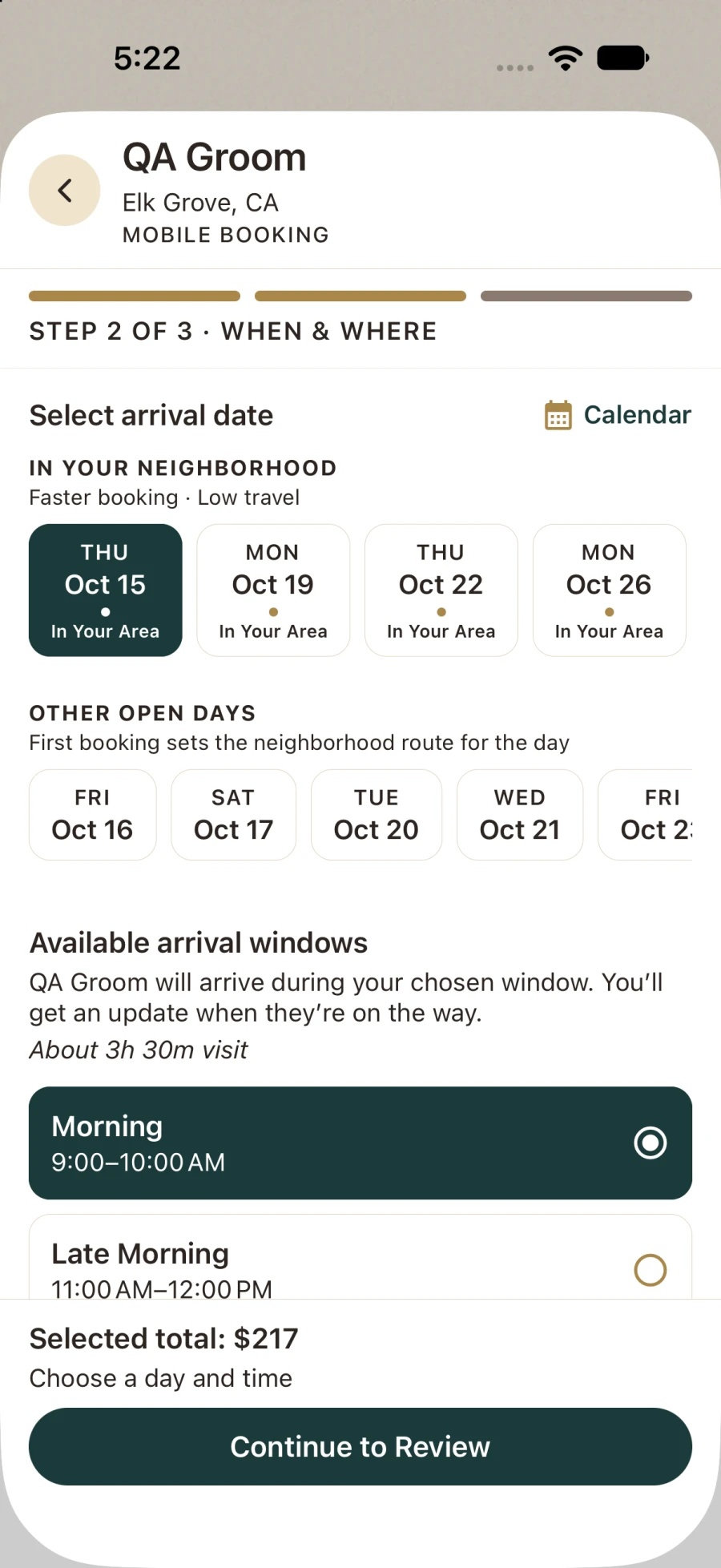
- Select an available date and time or arrival window. Check the visit location.
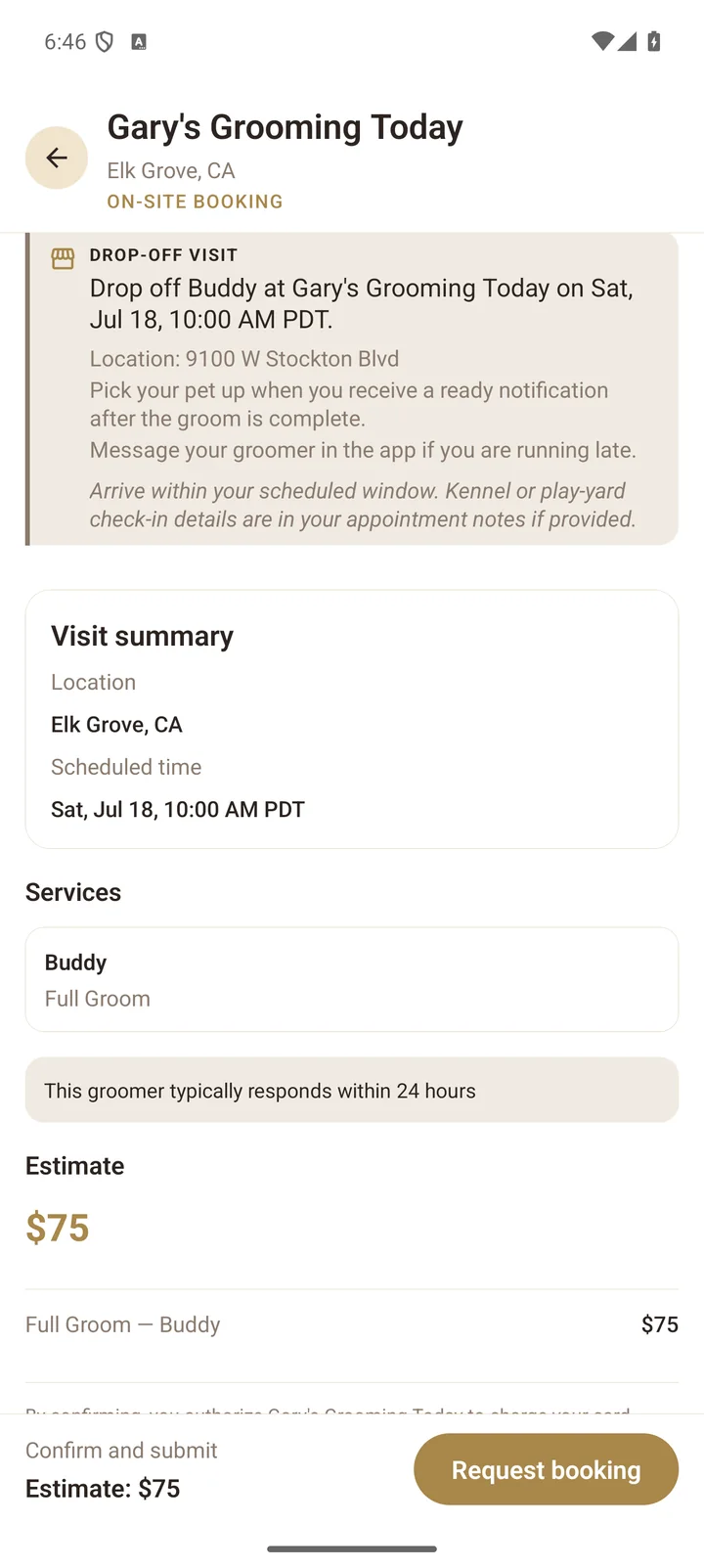
- Review the total, policy and card authorization before submitting.
- Read the result. A request is waiting for the groomer's response; it is not yet a confirmed appointment.
A deposit hold may be deferred until the protection window. If the app asks for a bank check, follow that action and check the booking status afterward. See payments and receipts.