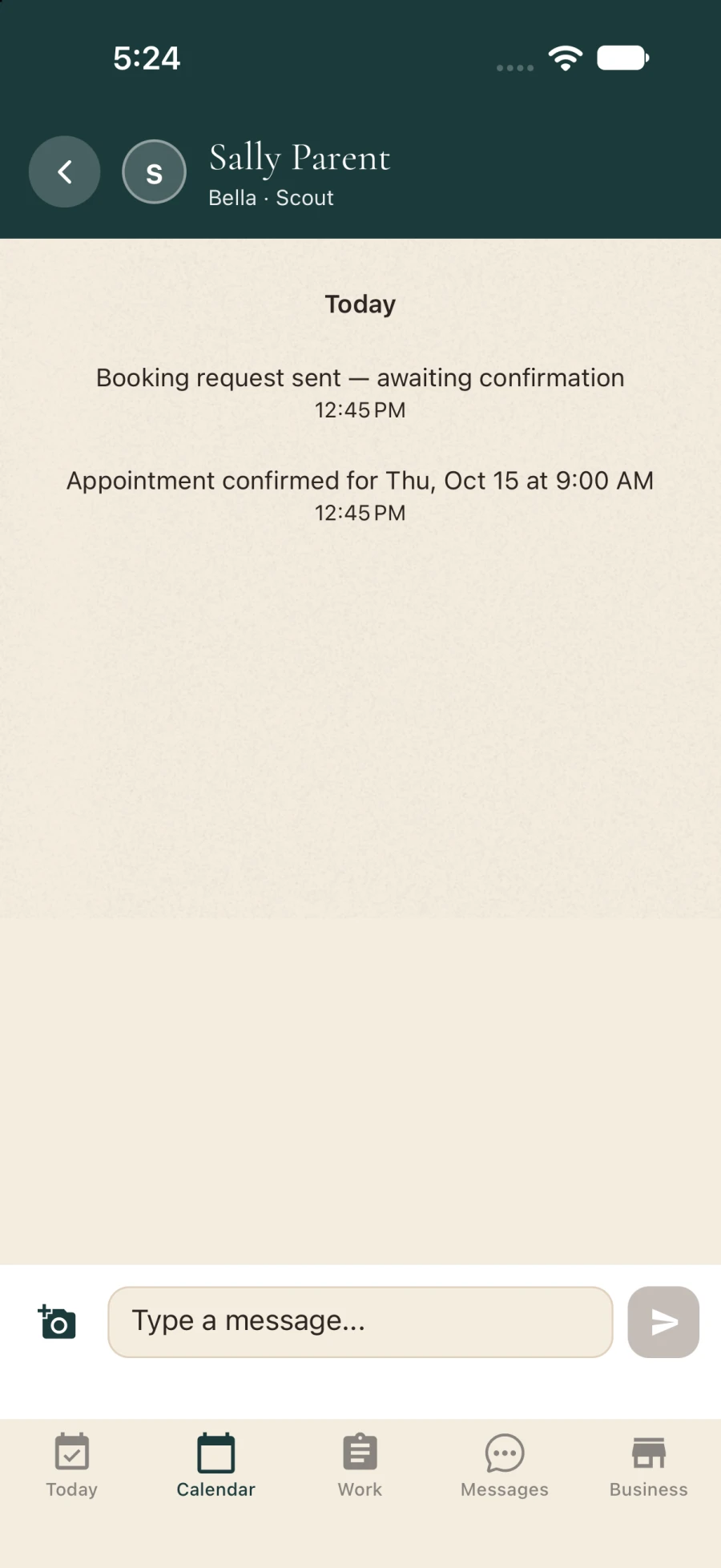
Open Messages or the conversation on an appointment. Use the visit's thread to discuss its care, time or services. A message alone does not approve a proposal, cancel a booking or authorize a payment.
Use the attachment action to take or choose a photo. Allow the requested device access if you want to use that source, or cancel and choose another option. Check upload and send results before assuming the other person received it.
An older conversation is missing from Messages
The inbox focuses on live and recent visits, unread messages and visits with money owed. You can still open an available older conversation from the visit itself.
For a Clippie app problem, use support rather than sending the issue only to your groomer or client.