Your setup checklist lives in Work. Complete the required details and review any item that needs attention before going live.
- Business profile: choose how you work, add your business details and review what clients can see.
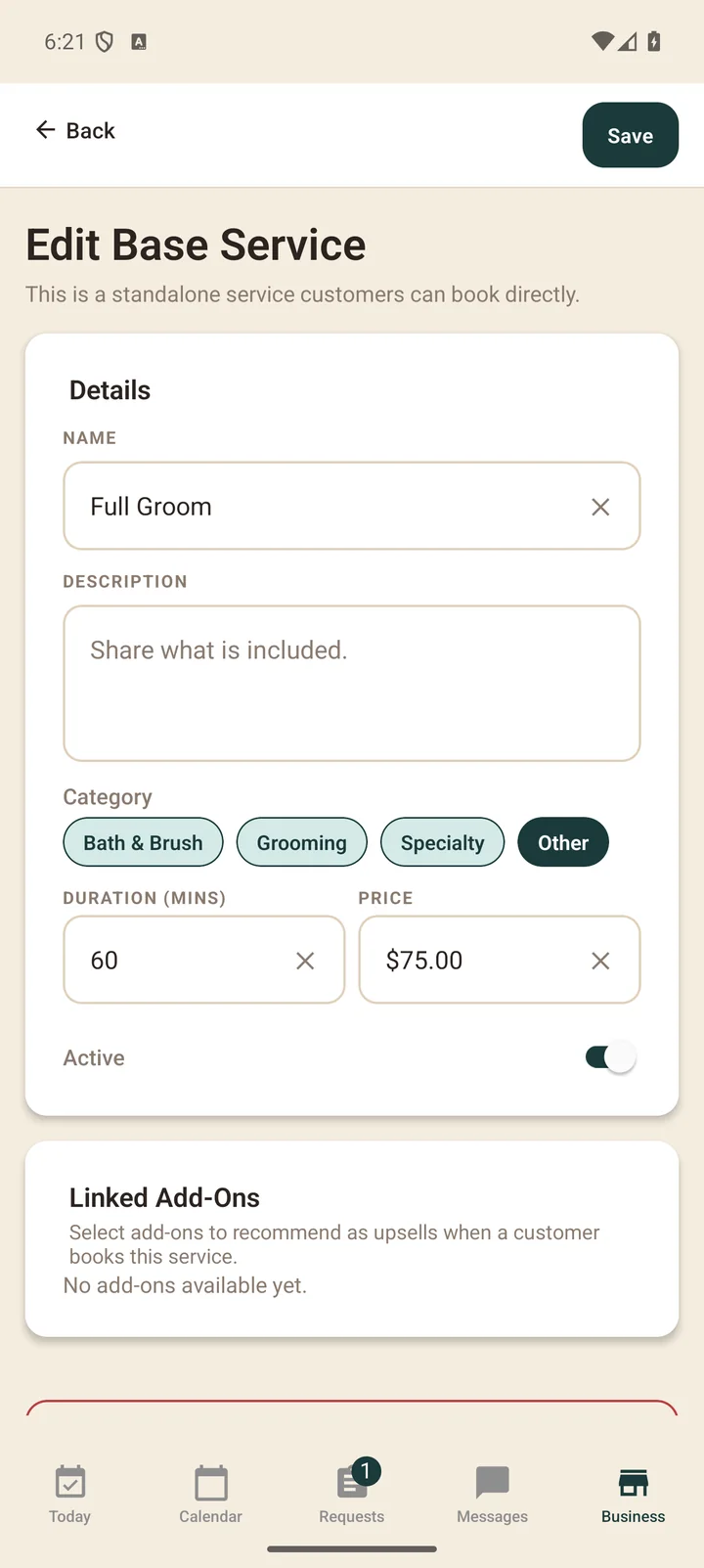
- Services and prices: build your menu, including durations and any weight-based prices.
- Your schedule: set hours, time off and booking settings. Businesses that travel also configure service areas; arrival-window scheduling can use Neighborhood Pack.
- Policies: review booking, cancellation, No-Show Shield and any applicable pickup terms.
- Payments: complete Stripe's setup and return to check its current requirements.
Setup completion and business visibility are separate. Use Go live when the app says the required setup is ready. A later Stripe review may affect payouts separately from accepting card payments.
For setup help, email groomers@clippieapp.com.