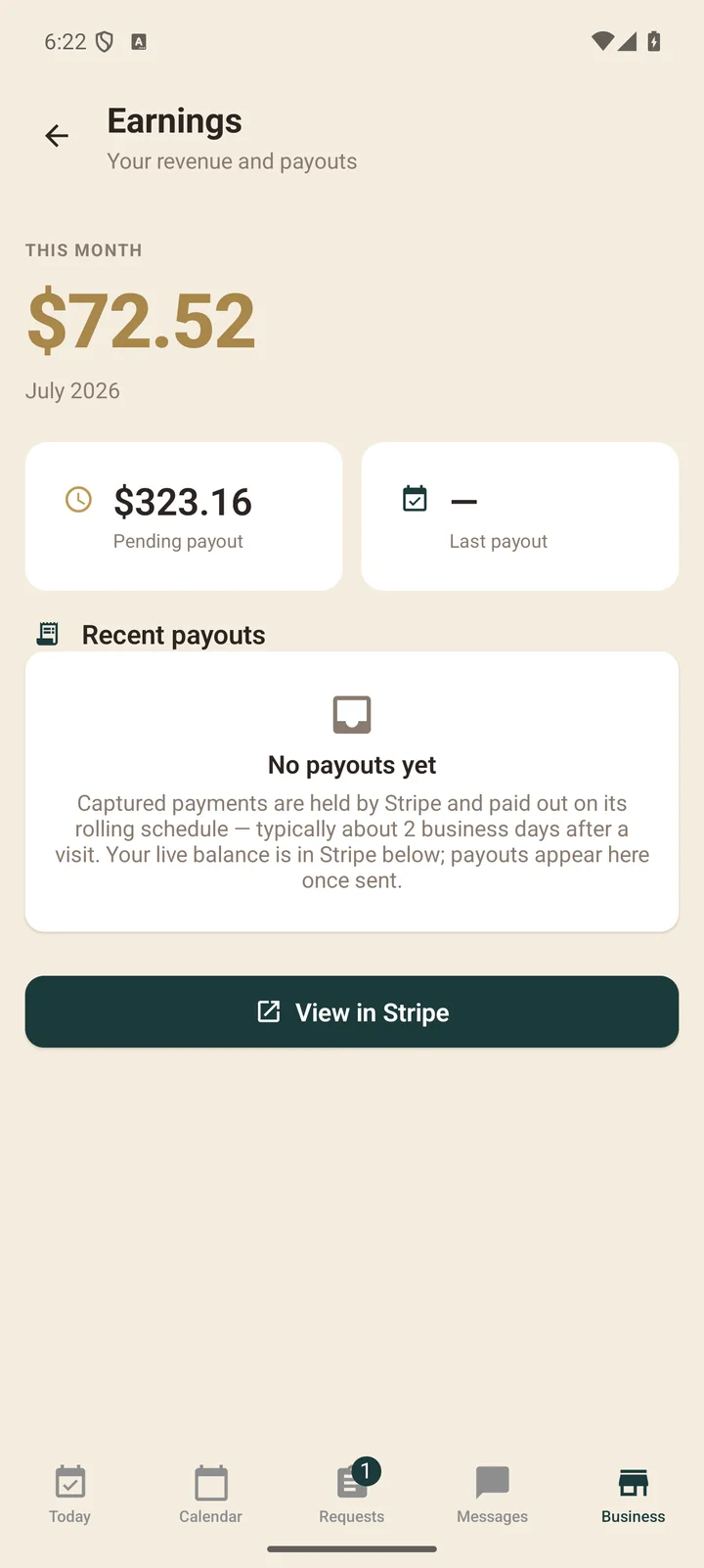
Clippie payments run on Stripe, the same processor behind millions of businesses. You are the merchant: parents’ cards are charged on your Stripe account, and Stripe pays your bank directly. Clippie never holds your money.
The setup (about 10 minutes, in the app)
- During onboarding, tap Connect payouts — you’ll hop into Stripe’s guided form.
- Enter your business details (sole proprietor is fine), identity verification, and the bank account for payouts.
- When you return, Clippie checks Stripe directly. If anything is still needed, you’ll see whether to continue, fix a detail, or wait for Stripe’s review.
Getting paid
- When a visit completes, the parent’s card is charged and your net is recorded on the appointment — you can see it immediately on your earnings screen.
- Stripe sends payouts to your bank on its standard schedule — typically about 2 business days after the charge.
- Tips ride along: 100% yours, minus only card processing on the tip charge.