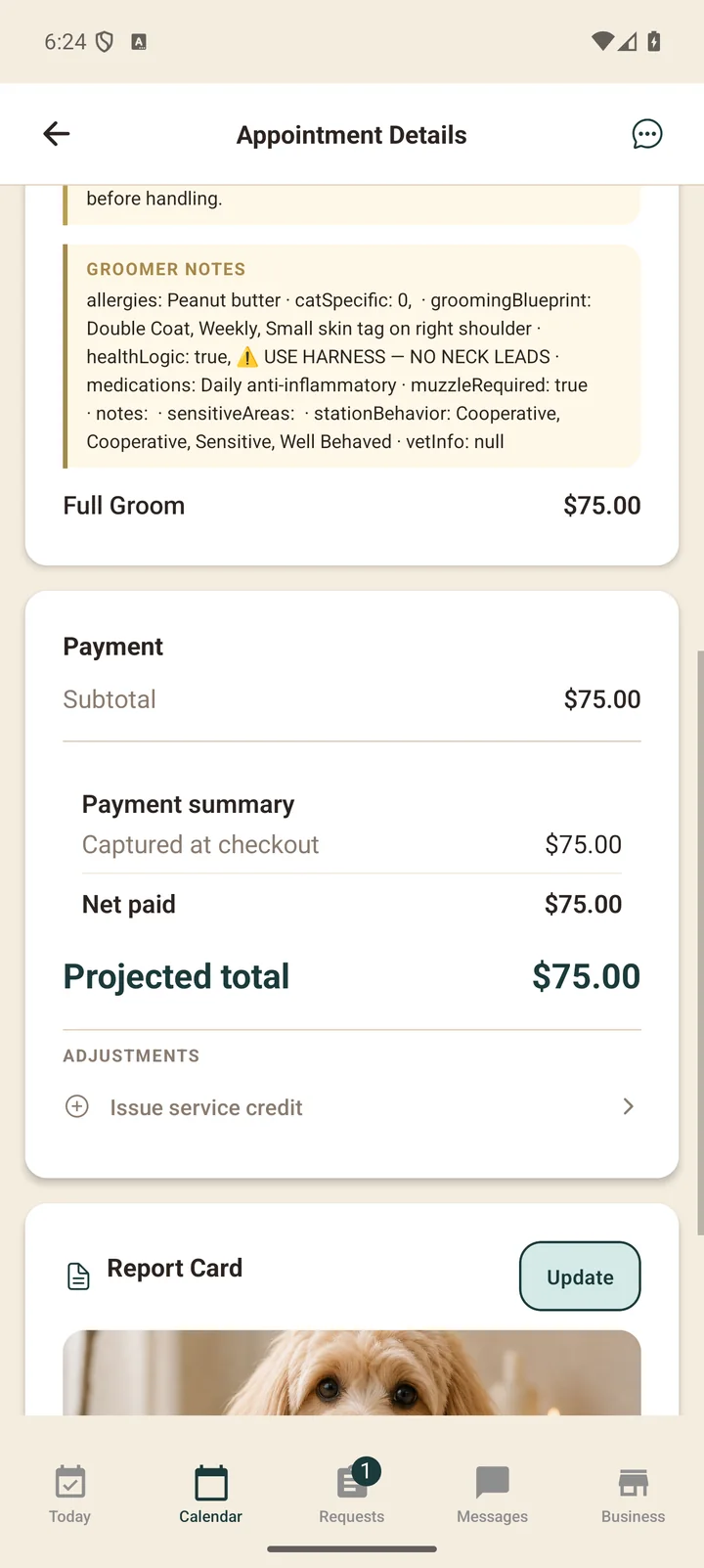
Every appointment in Clippie is one screen with the whole story: the pet, the services and prices, the schedule, the payment state, and the conversation with the parent. No paper book, no cross-referencing texts.
The lifecycle
- Requested — a parent books from your services and prices. You accept or decline.
- Confirmed — the deposit (if your policy takes one) is held on their card.
- In progress → completed — you mark services performed; skipped services simply aren’t charged.
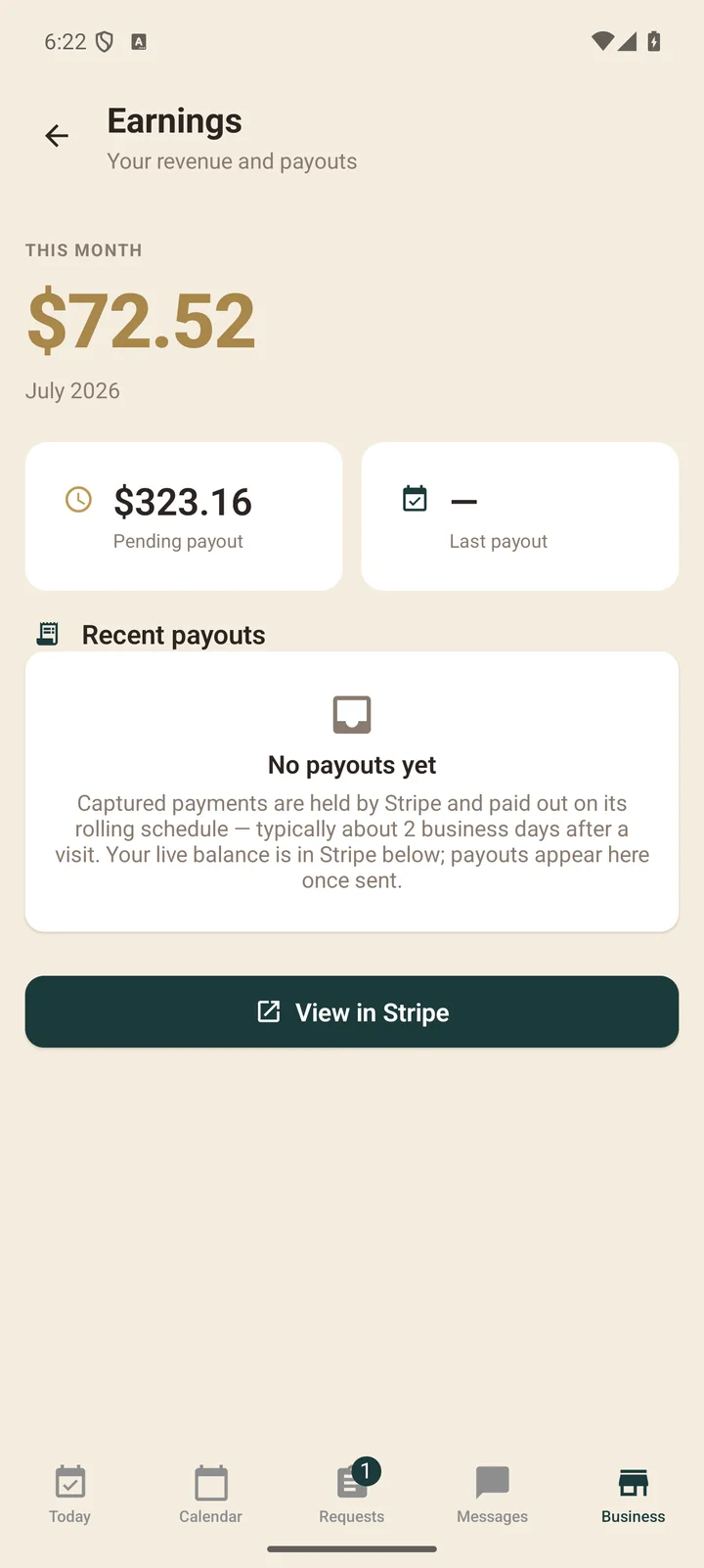
- Paid — the card on file is charged for exactly what was performed. The parent gets a receipt; you see your net.
If something changes mid-visit — an add-on, a matted-coat surcharge — you adjust the appointment and the parent approves in the app (small changes apply automatically; see price changes).