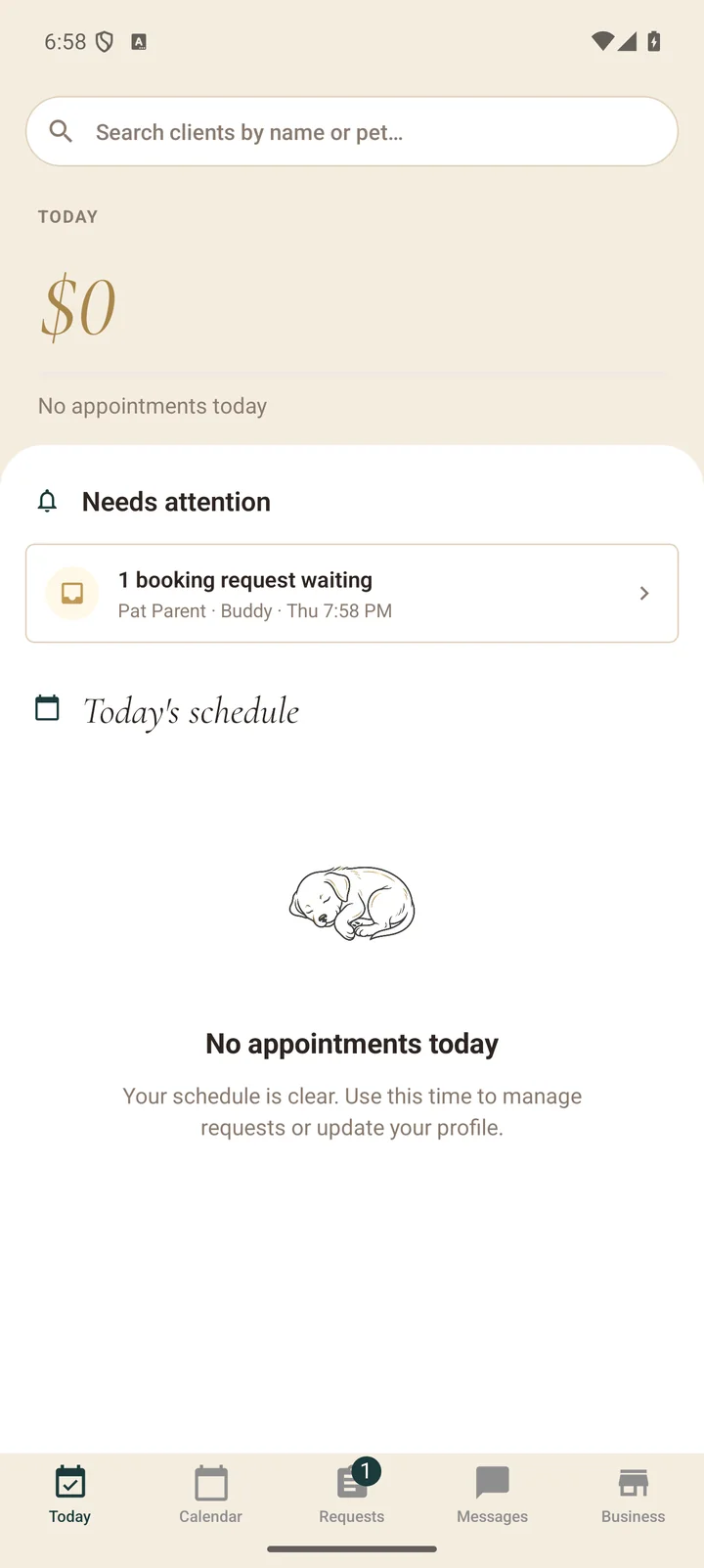
Use the client search on Today to find a pet parent or pet. Check the name and household before opening a record, especially when clients have similar names.
Review the available pet details, care notes and appointment history. Keep private business notes separate from messages or report notes you intend the parent to see.
Use the record's available message or booking action to continue. If a client is missing, check your search and connection status before sending another invite. A missing result is not proof that the person has no Clippie account.
See booking for a client and connections and access.