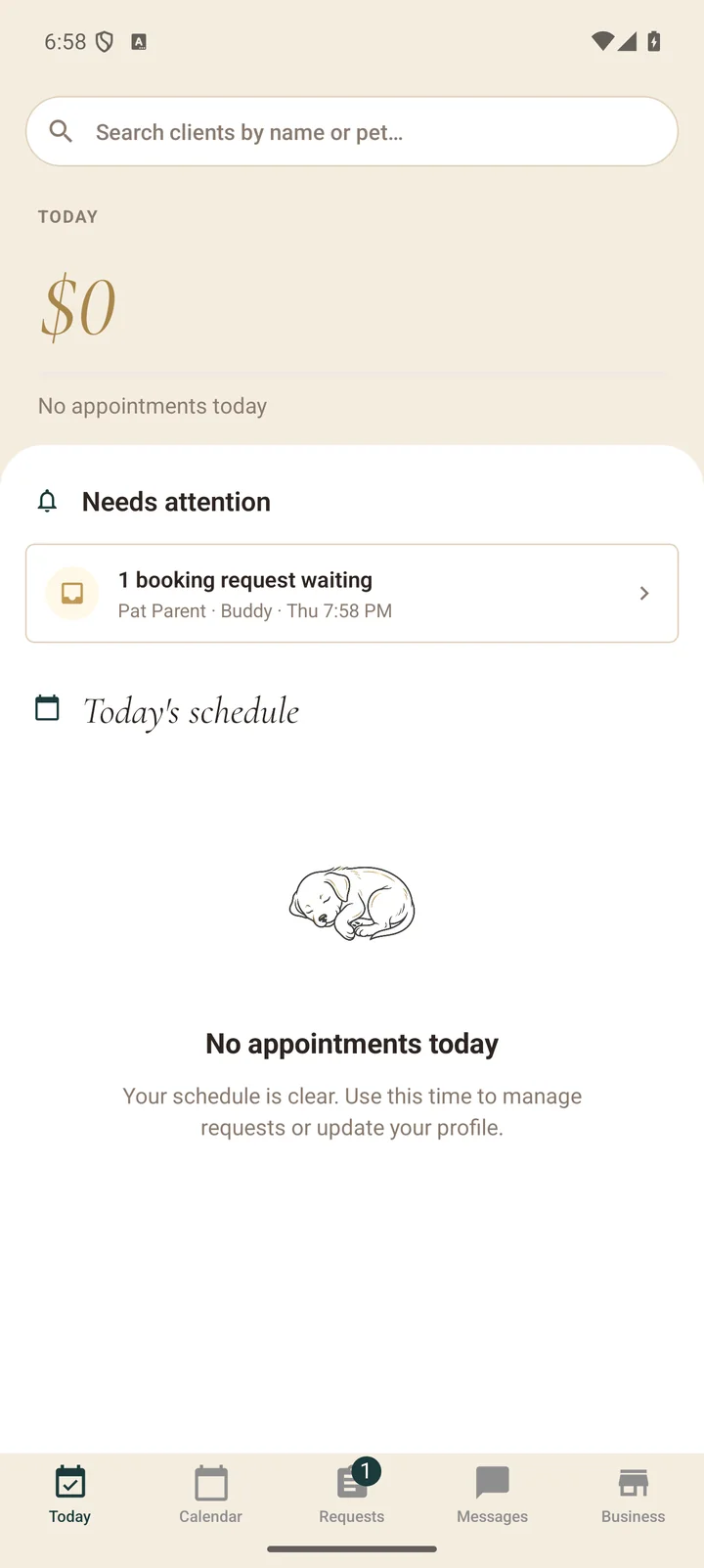
Use Invite a pet parent from Today to bring a client into your Clippie business. Follow the available email or link options and review the details before sending or sharing.
An invite helps connect the client to you. It does not fill in every pet, address or payment detail for them; those steps may still be needed before booking.
Check before inviting again
Search for the client first. Use the existing client or invitation result to avoid creating confusion with another household or email address. Follow the reminder limit shown by the app if an invite is still waiting.
A share sheet opening is not proof the link was delivered. Complete the share in the chosen app, or copy the link and send it yourself.
Share these connection instructions if a client needs help.